I recently got myself a new Garmin, of the Edge 850 variety. I got it from eBay at a relative steal, from a vendor who purported to be London-based. The package tracking however told a different story, with the item originating in Kansas, USA, before being cancelled(!), then a new tracking link was issued saying it was coming from Florida, with a different carrier. Eventually it was delivered in Amazon packaging, addressed to “Martin” (no surname) at my address. Mercifully I didn’t pay any import duties/taxes as I had feared. Quite dodgy on many levels, but nevertheless it was intact, boxed, unopened, and fully functional.
What sold me on upgrading from my 530 was the touchscreen access to the maps, meaning henceforth if I need to zoom out and pan I can forgo the whole dance of digging my phone out of my backpack while caked in mud. Technically you can zoom and pan on the non-touchscreen Garmins, but the interface to achieve this is so woefully bad that it’s virtually useless. Additionally though, now I had a touchscreen Garmin, I could use its (partial) support for touch in data fields to switch my Pinion gearbox’s modes on the fly, as I had alluded to in this earlier post. Also, several people had asked in various forums if I could develop a data field for the Garmin, to show the current gear and/or battery status. The obvious thing to do here was to kill two birds with one stone, and make a data field that performed this function, in addition to being able to switch the gearbox modes.
At this point I should perhaps caution the reader that this story does not have a happy ending, and that is probably why it’s taken me a couple of months to write this up. That said, even failures are worth documenting sometimes.
Timers Without Timers
I won’t repeat what I’ve said regarding development for the Pinion Smart.Shift device too much as I’ve covered it in enough depth previously, suffice it to say I reused the library (“barrel” in Garmin nomenclature) that I engineered for this purpose, and I had my settings app to use as a base. The data field was mostly straightforward to write, Monkey C/ConnectIQ foibles notwithstanding.
In particular I found that data fields do not support the use of the Toybox.Timer.Timer class at all, which proved a bit of an issue, as my library’s asynchronous nature essentially requires them. Nevertheless in DataFieldTimer I found a solution by reimplementing the class’s interface in terms where the same functionality is provided by a periodic update function. Data fields call their update function once a second, and through this I could update my timers. Clearly then by any reasonable standard this timer has extremely poor resolution, but for the purposes employed here it is good enough.
Rendering the Field
The other oddity I ran into was the means by which ConnectIQ data fields render their contents. A SimpleDataField class is provided which, as its name implies, is for implementing simple data fields, to the extent that they closely resemble the built-in data fields (speed, distance etc.) that the Garmin devices supply natively. Keen to implement something that blended in well, this is exactly what I was after. Unfortunately, the ‘simple’ in its name is in fact quite accurate, as it only provides the absolute bare minimum of functionality. I wanted to be able to show the current gear and battery level in a single field — something beyond the capabilities of SimpleDataField. Instead I would need to write the rendering code from scratch.
This is quite frustrating really, as the Garmin Edge (and indeed watch) devices all differ subtly from one another. For example, the xx30 devices use different fonts and case for the field title. Leaving it up to the ConnectIQ developer to account for these differences is pretty lazy on Garmin’s account, especially as SimpleDataField clearly already has most of this functionality, but we can’t customise it at all or indeed just access the information that it contains. Instead I had to experimentally try various configurations on various simulated devices to approximate the correct look and feel. I say approximate because the simulator doesn’t match what the real devices do. Anyway I’ve moaned on this subject at length previously; long story short, my opinion has not improved this time around.
Gear, Battery and Pre.Select
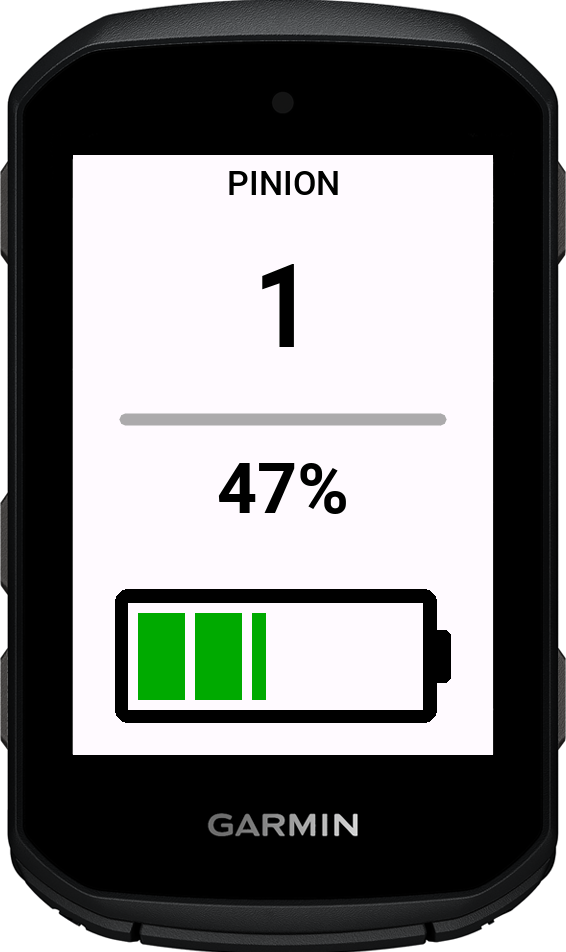
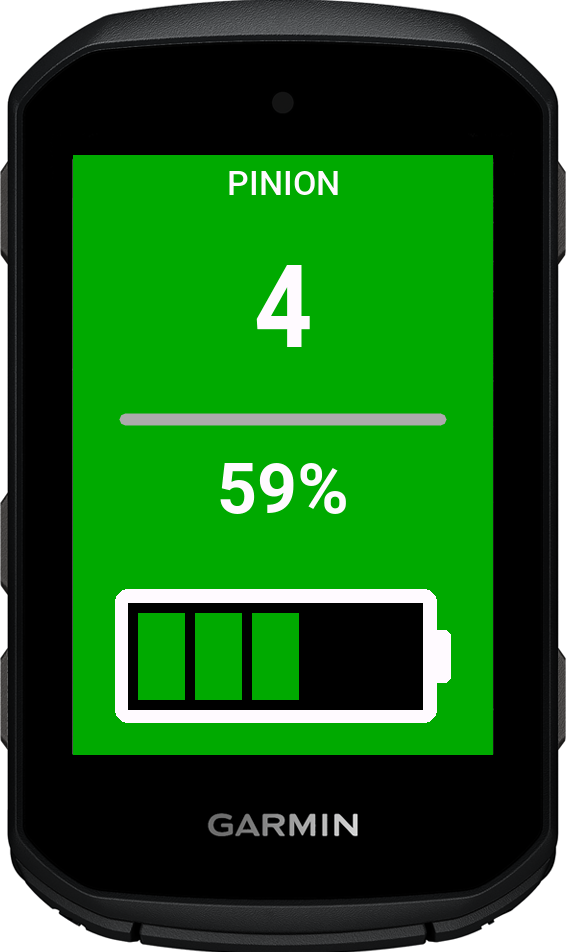
I mentioned before that I wanted the data field to configurably display two things: the current gear and the battery level. The former is simply rendered as text, whereas the latter I’ve gone to the effort of making a dynamic battery icon that is coloured appropriately to catch your eye when charge levels drop below a certain point.
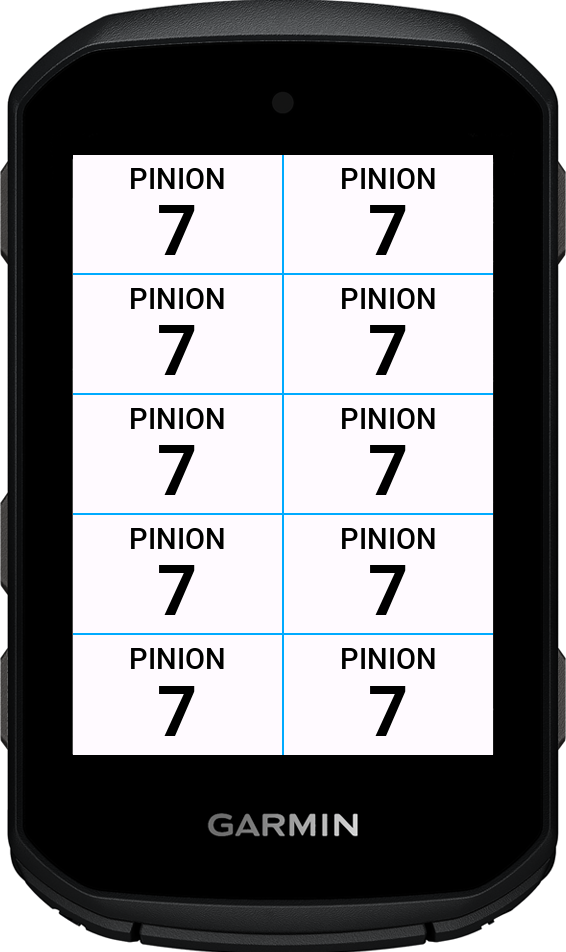
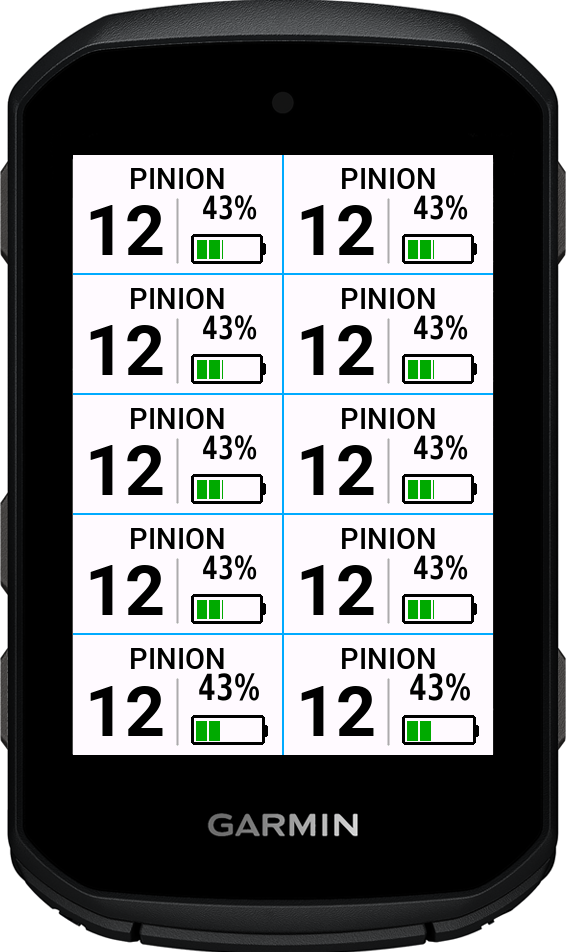
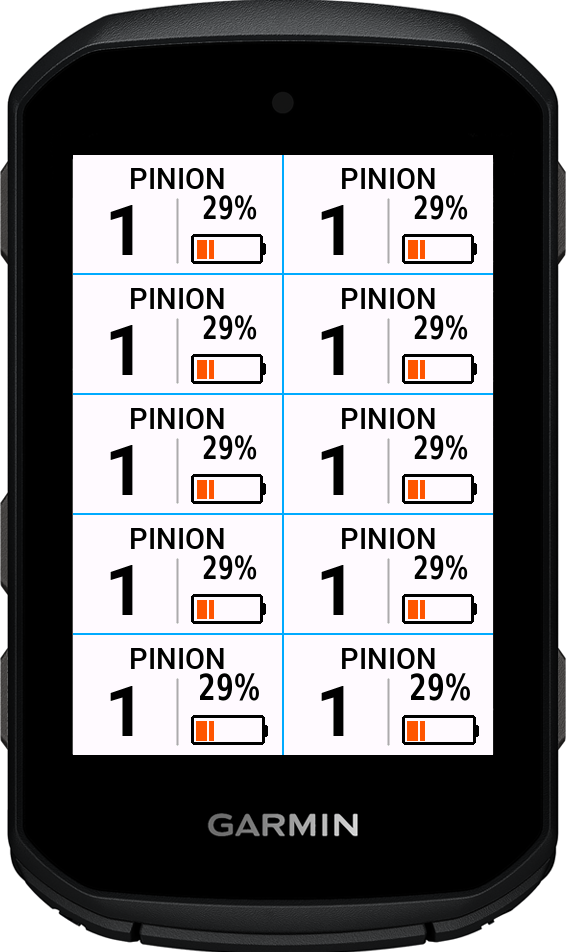
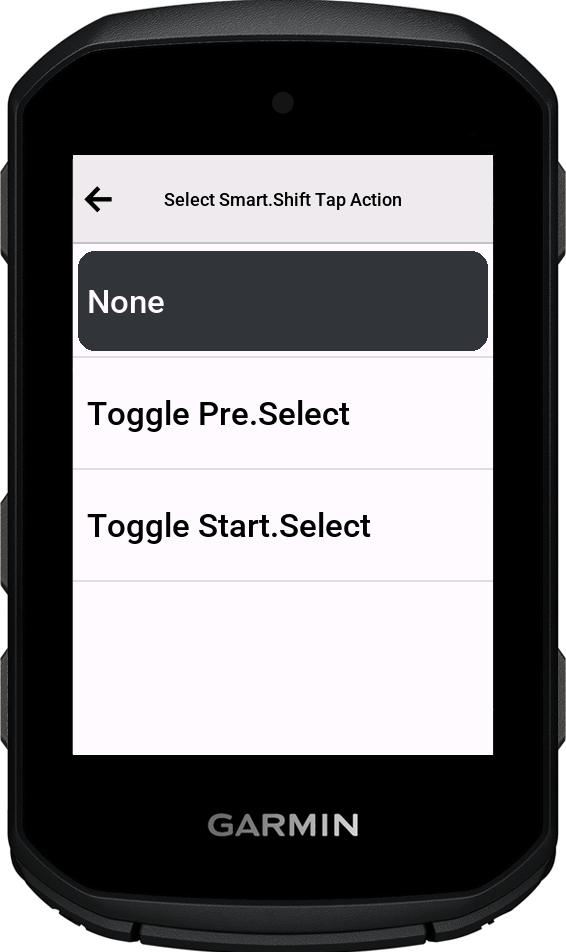
Additionally the whole field acts as a toggle switch, on touchscreen devices at least. Its effect is configurable in the settings; in my case I intended it to be used for turning Pre.Select on and off, basically the entire point of the widget I developed previously.
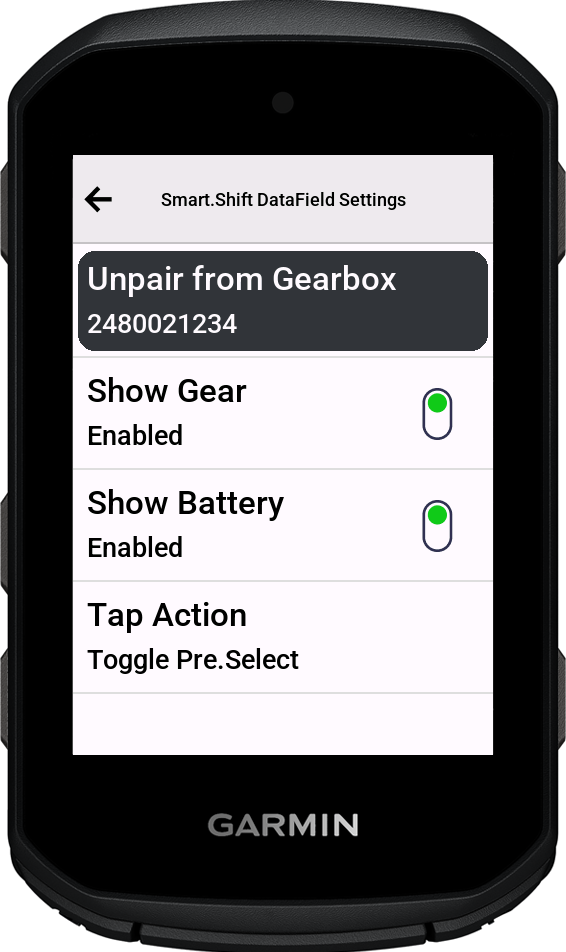
When Pre.Select is enabled the whole field turns green, otherwise it uses the default background colour.
Insofar as this is the functionality I aimed for, the project has been a complete success.
The Connection Problem, Again
Unfortunately, as I noted in my previous forays into interfacing a Garmin with the Pinion, the connection is not reliable enough for it to be practical. With my 530, I found that my heart rate monitor was interfering in some way, and that by reconfiguring it to use BLE rather than ANT+, the connection was much improved, albeit not perfect. With the new 850 on the other hand, it only seems able to maintain a connection for roughly 90 seconds at a time, before disconnecting, regardless of whether I have other active radio devices (such as my HRM) in range or not. Who knows why this is — RF comms seems to me to be mostly witchcraft.
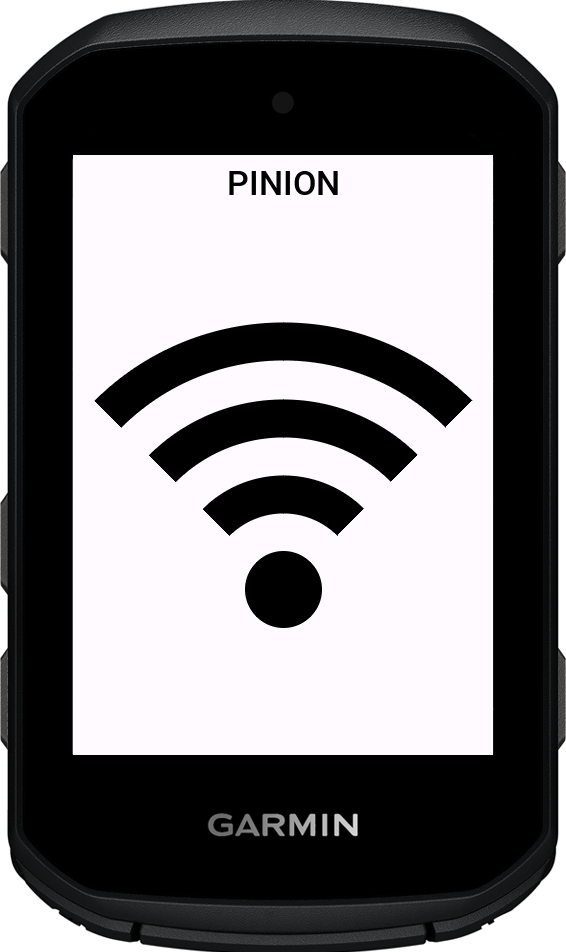
Pinion’s decision to facilitate connections via this not-actually-pairing pairing procedure surely doesn’t help. This means that even though I have the software set up to continually try to reconnect, it can’t unless the Pinion is in pairing mode, which requires holding the rear button for 3 seconds. Proper BLE bonding would have been the sensible move here. Given previous interactions with them, I think it unlikely that they will change their policy or their software, and to be fair I don’t really blame them as there is little incentive other than good will, weighed against (for them) a whole lot of risk.
This is all to say that I think the entire data field endeavour is basically a dead end. It’s a frustrating missed opportunity from Pinion’s perspective, if you ask me. Oh well.
Try It Yourself
Nevertheless I have the project on GitHub if you fancy trying it yourself. You can sideload1 the appropriate prg for your device. As I’ve said, my 530 seemed to connect much more reliably than the 850 does, so perhaps you’ll have more luck with it than I have had. Do let me know how you get on if it proves useful.
-
Connect the device to a computer via USB, copy the .prg file to /garmin/Apps, eject the device. ↩